The Secret to Smoother Client Projects? A Strategic Client Portal Setup

Your Client Portal Might Be the Missing Piece Your Business Needs
Does it feel familiar?…it’s 2 PM, you’re in the zone, and then… ping.
Another email asking for “that contract we discussed” or “can you resend the files?”
You pause your work… dig through your folders, send the file (again), and try to get back into the zone. But honestly? The momentum is gone. Goodbye. Done for the day. (Maybe that’s my ADHD brain talking but it feels like you just turn off the switch if that happens…)
We’ve all been there, juggling multiple clients while trying to actually do the work we love.
And if I’m being real, this kind of interruption happens more often than any of us want to admit.
The Real Cost of Client Chaos
After 10+ years doing this thing called “be your own boss”, let me break this down from both sides, because what’s happening here affects everyone involved.
From your client’s perspective:
They’re lost in endless email chains, frantically searching for that important file you sent last week, and honestly feeling a bit disconnected from their project.
They’re not trying to be difficult, I know it might feel that way, but they just want to find what they need without having to bother you every time.
From your perspective:
You’re dealing with constant interruptions, re-sending the same files multiple times, and answering the same questions over and over.
It’s like being stuck in customer service mode when you should be in creator mode.
But I know it’s not reaaaaally about the distractions, this is actually affecting how professional your business appears and how much actual work you can get done.
Consider what happens when a client can’t easily find their project files or contract details?
They start questioning whether you’re organized enough to handle their project.
And every time you have to stop what you’re doing to answer “where do I find…” questions, that’s billable time being eaten up by admin tasks.
What We’re Really Talking About Here
This essentially comes down to more than just organization: it’s about creating a reliable, repeatable system that works for both you and your clients.
Think about the difference between a business that feels established versus one that feels scattered. The established one doesn’t necessarily do better work, but they’ve figured out how to make everything feel seamless for their clients. Those small operational details? They’re either building client confidence or slowly chipping away at it.
When someone hires you, they’re not just buying your skills (that’s kind of a given), they’re buying into the entire experience of working with you. Let me repeat that part: THE EXPERIENCE.
And right now, if that experience involves hunting through emails and asking for files multiple times, well… that’s not exactly screaming “premium professional.”
The Client Portal Solution
So here’s where HoneyBook’s Client Portal comes in, and honestly, I think this feature is pretty brilliant.
What it actually does is create a branded, centralized workspace where everything your client needs lives in one place.

We’re talking all project files, contracts, payments, communications, and even relevant external links—all organized and accessible without them having to dig through their inbox or remember which email had what attachment.
The genius part? It works within your existing HoneyBook workflow, so when you share a file or send an invoice, it automatically shows up in their portal.
Your clients get a magic link to access everything in their own personal project space, and suddenly they’re not emailing you asking where to find things.
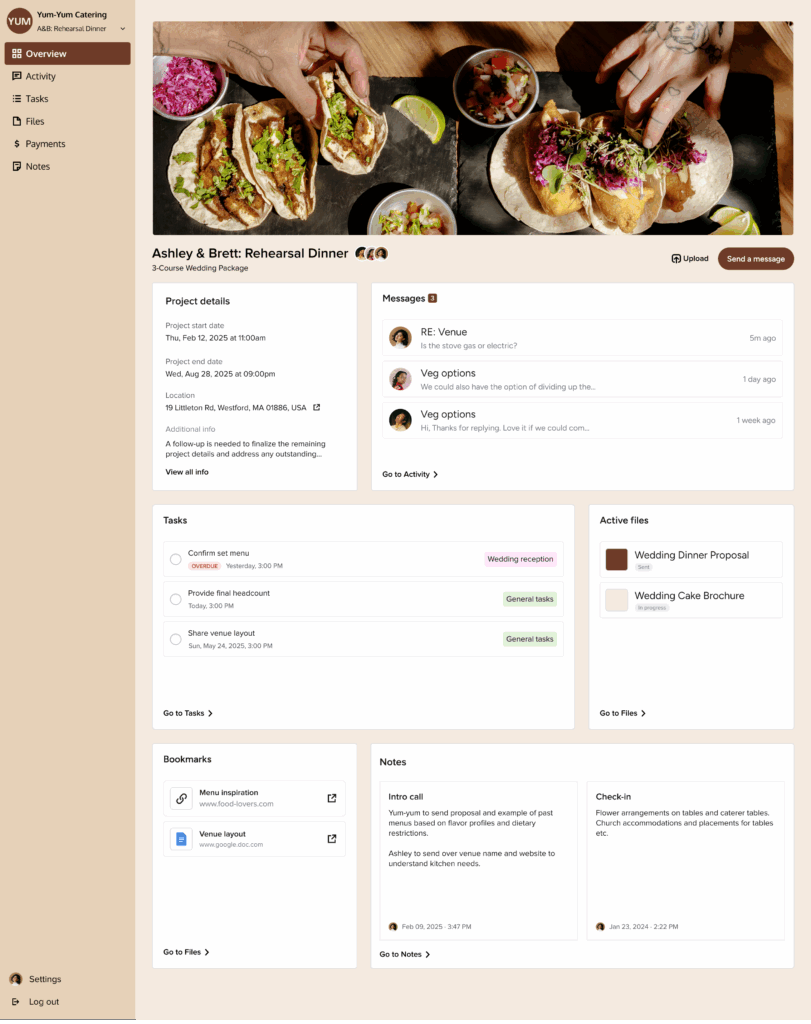
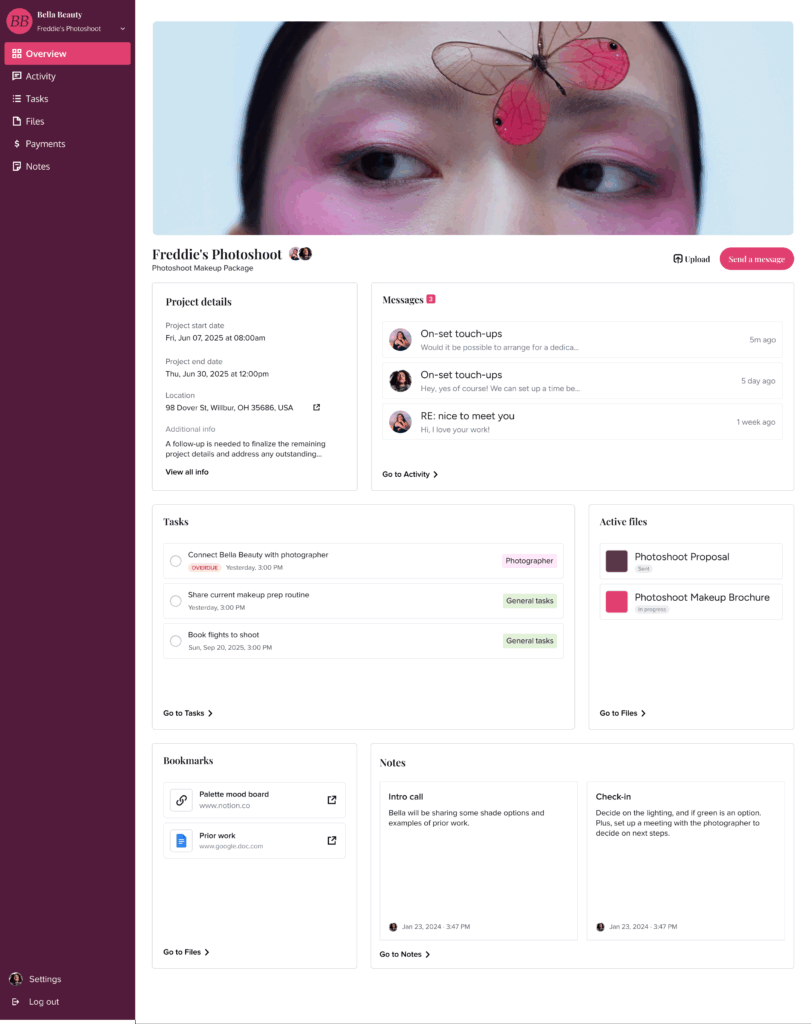
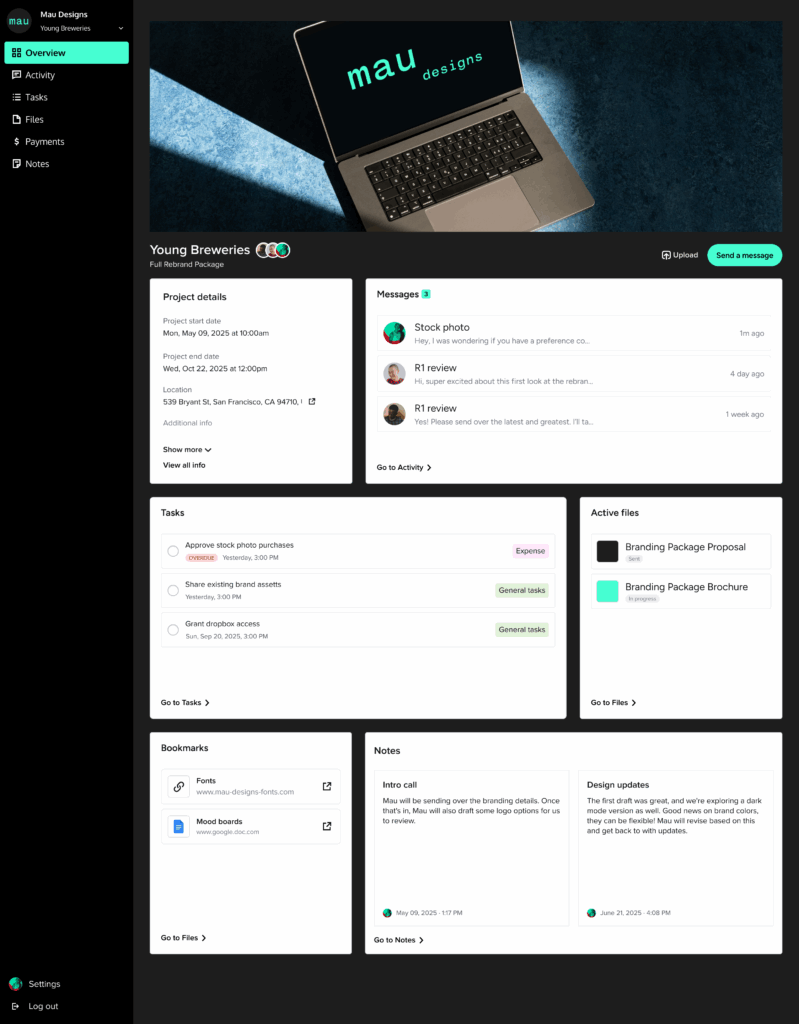
The portal is fully branded with your colors, fonts, and style (just like anything else we create inside Honeybook) so it feels like a natural extension of your business, not some generic software interface.
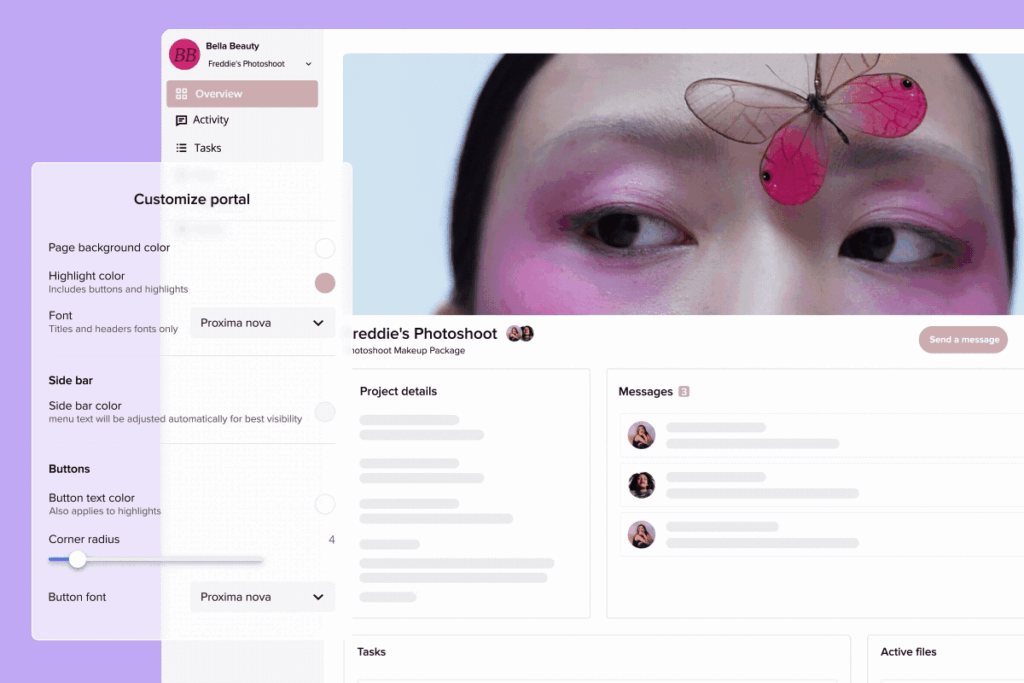
Basically your clients see your brand every time they log in to check project status or download files. And that is such a beautiful thing… my designer heart is always very happy to see it all cohesive and pretty.
The ROI Nobody Talks About
Let’s get specific about what this actually means for your business, because the benefits go way beyond just “being organized.”
Time savings translate directly to revenue increase.
I want you to think about how many hours per week you spend responding to “where is…” emails or re-sending files.
Let’s say it’s just 3 hours a week (and honestly, it’s probably more). If you bill at $100/hour, that’s $300 per week, or $15,600 per year that you’re losing to admin tasks that could be automated.
Excuse me? $15K? ON EMAILS and admin stuff? Nope, that is not something we want to waste our time on.
Client retention gets a boost too.
When clients have a smooth, professional experience working with you, they’re more likely to come back for future projects and refer you to others.
A client portal signals that you’ve got your systems figured out, which builds confidence in your ability to handle their project professionally.
But here’s the part I find most valuable: the mental bandwidth you get back. (Cue the happy tears).
When you’re not constantly interrupted by logistics questions, you can actually focus on doing your best creative work. That focus shows up in the quality of what you deliver.
Who Benefits Most
Let me be honest about when this makes the most sense:
You’ll see the biggest impact if you’re juggling multiple clients with ongoing projects that span a few weeks or months. If you’re constantly sharing files, sending contracts and invoices, and fielding project questions, a client portal will change your life.
You’re also a perfect candidate if you’re over email chaos (hello that’s me, I never want to be in that chaos, ever). If you resend the same files because they get lost in email threads, if clients ask the same questions repeatedly, or if your files are scattered across inboxes and drives.
And if you care about how your business shows up (which you absolutely should), this is a game-changer. Every touchpoint with your clients either reinforces that you’re professional and organized, or it doesn’t.
Here’s when it might not be worth the setup:
If you primarily work on very short-term projects or one-off services, or if you rarely share files and documents with clients, you might not see as much benefit.
The Implementation Reality
Before you start thinking this sounds complicated: it’s not.
The client portal is included with your HoneyBook plan (no extra cost), and you can customize it to match your brand with your colors, fonts, and header image.
Here’s how it actually works day-to-day: When you enable the portal, links are automatically included in the files and invoices you share. Your client clicks the link, can either use a magic link or set up a simple login, and boom! They have access to everything related to their project.
You don’t have to change how you work; the portal just makes everything you’re already doing more organized and accessible for your clients.
All while truly making it your own:
Bottom Line
This essentially comes down to one thing: professional systems create professional results.
Your clients will absolutely notice the difference when they can easily find what they need instead of hunting through emails.
And honestly? You’ll notice the difference too when you’re not constantly playing file-retrieval service.
Sometimes the smallest operational changes create the biggest business impact. A client portal isn’t flashy, but it’s one of those behind-the-scenes improvements that elevates everything else you do.
If you’re nodding along thinking “yeah, I’m definitely tired of the email chaos,” it might be time to explore whether this gap exists in your business. Consider what happens when your clients feel organized and supported throughout their project? That’s the kind of experience that turns one-time clients into long-term advocates for your business.

Ready to see how a client portal could streamline your client experience? HoneyBook’s Client Portal is included with all plans and can be customized to match your brand. 💰 Get HoneyBook for 30% off for one year with my referral link and see if it’s the missing piece your business needs.
filed under:

I'm Ingrid, welcome! I'm a branding designer + Showit Design Partner, doggy mamma, and tea drinker.
get to know me »




P.S. Found value in this post? You can always drop a little something in the treat jar — this goes toward treats for my pup (yes, Yui loves it) and fueling more great content! 💜
Ready to turn your website into a powerhouse lead generator even on a saturated market?
My free guide, "5 High Converting Website Tricks", gives you key strategies to create a website that showcases your brand, attracts your ideal clients, and is ready to convert them into paying customers.
Download now for free!
Featured Case Studies
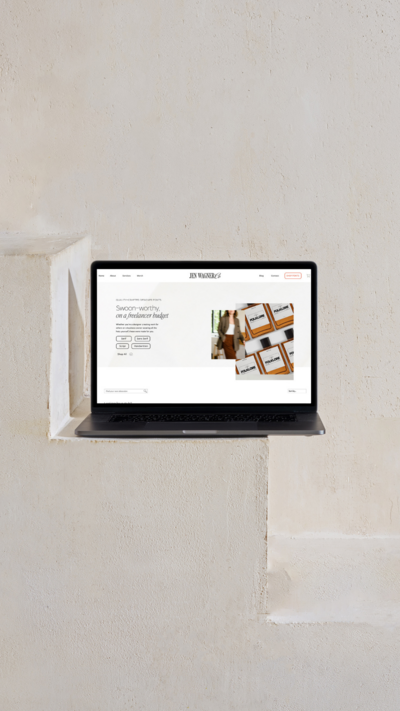
Jen Wagner Co
Shopify to showit with Woocommerce shop Migration
TIQUE
Custom Brand + Showit Website + Shop

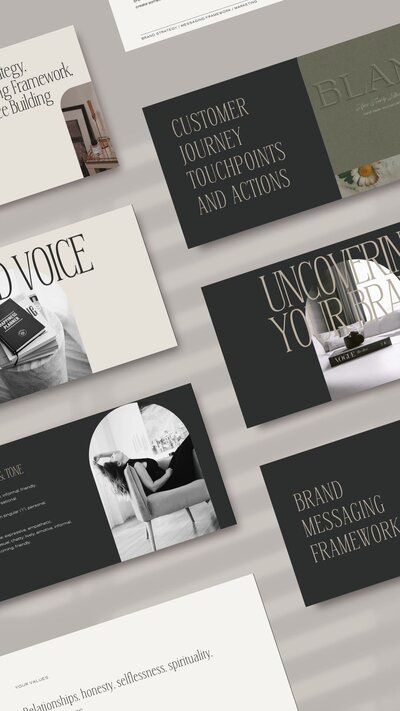
Blanc Salváge
Brand Strategy + showit Shop Design + Copywriting
Revitalized Health & Wellness Counseling
Custom Brand + Website

Wordfetti + Wordshop
showit Website + shop Design & Development

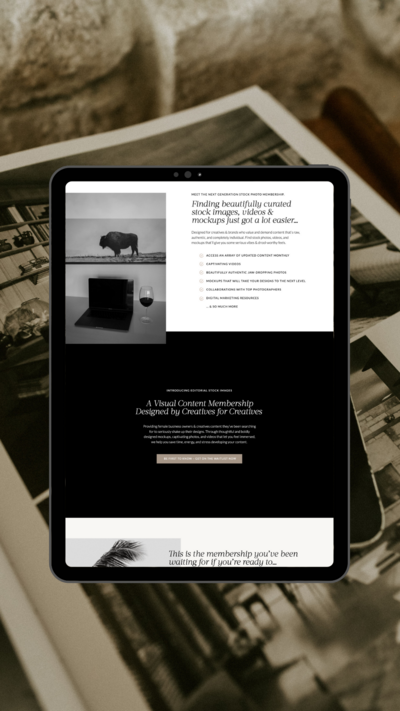
Editorial Stock Images
showit shop + Multi-level Membership


Amy Posner
Brand Strategy + Custom Brand + Showit Website

Our clients lead their industry.

Hi I’m Ingrid
I design strategy-led brands and Showit websites that confidently represent you.
I’m a designer with a magic touch for monetizing websites. I’m also a tea-lover, dog momma, Ravenclaw, INFP and 2w3 (for all you personality-test nerds like me).
I’ve also been called a Showit website expert (been with them since 2013), and a sucker for understanding customer journeys, brand psychology, and consumer and sales psychology. My clients have some pretty cool results after working together, things like doubled shop conversions, booked-out services in weeks, and increased monthly revenue, among other cheer-worthy celebrations.