If you have a Showit website (or you’re building one), at some point you’re going to ask yourself: how do I actually sell things here?
Because Showit isn’t a standalone ecommerce platform, but it is a website builder with incredible design flexibility, which means it plays beautifully with other tools. Your job is just to pick the right one for how you sell.
And there are actually quite a few options. Some are built for selling digital downloads, some are built for full shop experiences, some are basically just a checkout button… All of them can work inside a Showit site – but which one works for your business is a different question.
That’s what I’m here for, to help you pick the best one!
Why a Cohesive Shop Experience Actually Affects Your Sales
Before we get into the tools, here’s a piece of psychology worth knowing, because it’s the reason platform choice matters more than just “what’s easiest to set up.”
Our brains are wired for consistency. When something feels off – when the design of your shop page looks totally different from the rest of your site, or the checkout experience feels like it belongs to a different brand entirely – THAT creates what psychologists call cognitive dissonance. A low-level sense of unease.
In ecommerce terms, that unease translates directly to hesitation. And hesitation kills conversions.
A cohesive brand experience from your homepage through to your checkout page isn’t a “nice to have.” It’s a conversion strategy!
When every element tells the same story, visitors trust the brand faster – and trust is the foundation of the sale.
This is one of the reasons I keep coming back to Showit with a shop integration over moving clients to a completely separate storefront. You get to keep the brand experience you worked to build. The shop just lives inside it.
Now – let’s talk about how to build that shop.
The 5 Main Ways to Add Ecommerce to a Showit Website
WooCommerce
Best for: Established businesses that want a full, fully-owned shop – with a catalog, inventory management, and advanced checkout options.
WooCommerce is the ecommerce layer that runs on WordPress, which Showit already integrates with natively (your Showit site connects to a WordPress backend, Showit is the “theme”). That makes this integration truly seamless.
Your product pages can be fully designed in Showit, with WooCommerce handling all the transaction and inventory logic behind the scenes.
I’ll be transparent: I’m biased here because I’ve seen what a well-built Showit + WooCommerce setup can do. My TIQUE project is a good example – a full brand and website overhaul with a WooCommerce shop that led to a 52% increase in their BF sales. That kind of result doesn’t happen without a cohesive, strategy-led shop experience.
WooCommerce is the most powerful option on this list, and it’s also the most involved to set up. If you want to go deep on it, I have a whole course for that – WooCommerce Unleashed.
Pros:
Full design control inside Showit
Inventory management, variable products, coupons, order history
Massive plugin ecosystem for added features
You own your data completely
Integrates with your existing WordPress blog
Not ideal if:
You’re brand new to tech and want something up in a weekend
You only sell 1-3 products and don’t need a full catalog
You are allergic to adding a bit of code to your site (CSS is your best friend to make it truly feel custom to your brand! But there are plugins you can use).
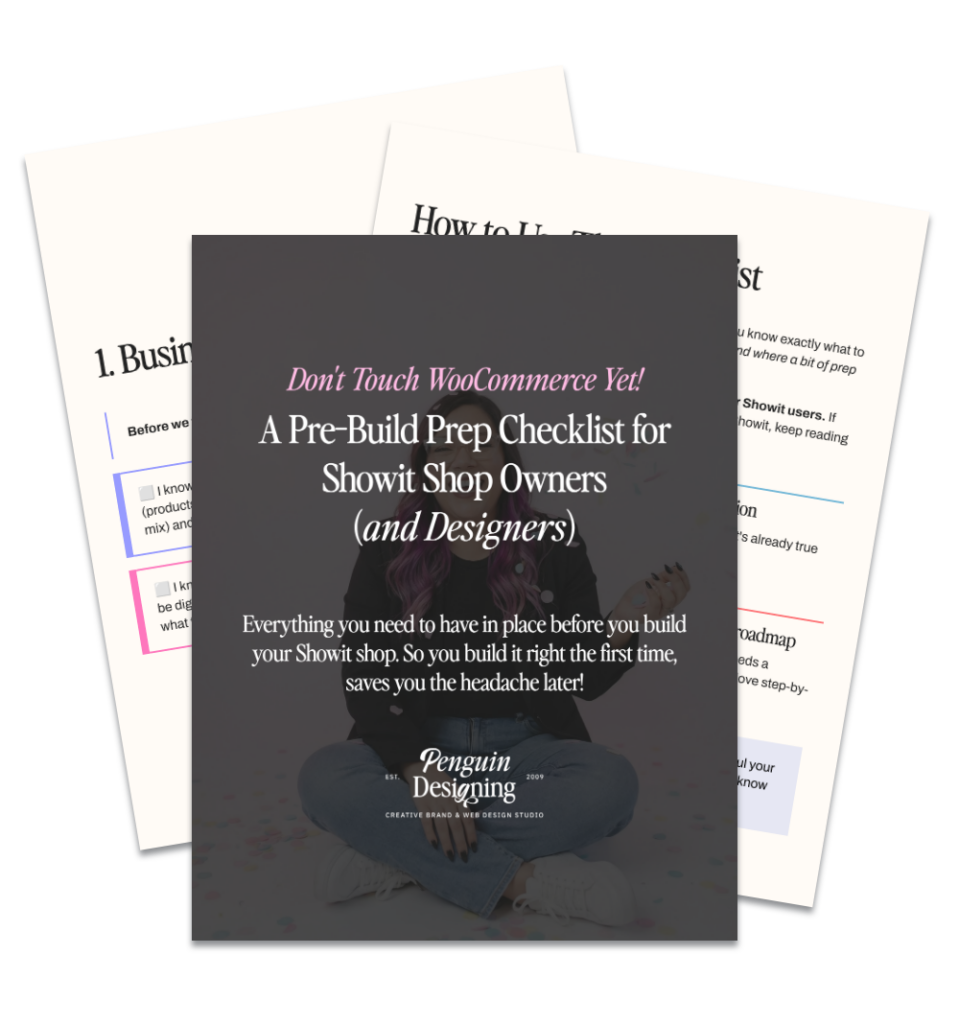
Free download: Don’t Touch WooCommerce Yet!
The pre-build prep checklist for Showit users wanting a Woo shop (or if you’re a designer wanting to set one up!) – so you build it right the first time.
ThriveCart
Best for: Selling higher-ticket offers – courses, programs, coaching, memberships – where the goal is a clean, optimized checkout (not a browsable cart).
ThriveCart is a checkout platform, not a shopping cart. The distinction is VERY importsant: There’s no “add to cart and browse” experience here – each product goes straight to a checkout page. That’s actually a feature when you’re selling something with a higher price point and a decision moment that needs full focus.
It’s one of the best tools I know for course creators and coaches selling programs in the $200-$2,000+ range. You embed the checkout link inside your Showit sales page and the experience stays intentional – no distractions, no wandering off to browse other products.
ThriveCart also has a built-in affiliate management system, which is a serious bonus if you have or plan to have an affiliate program.
Pros:
Clean, high-converting checkout pages
Built-in affiliate management
Order bumps and upsells built in
One-time pricing (no monthly fee after purchase)
Not ideal if:
You want customers to browse and buy multiple products at once
You sell physical products or need inventory management
You never check your backend (it tends to have glitches worth keeping an eye on)
Shopify Starter (Embedded Buy Buttons)
Best for: Getting a shop up quickly with minimal tech lift, especially if you have a small product range.
This is Shopify’s most stripped-down plan, not a full Shopify store, just the ability to embed buy buttons directly into your Showit site using a simple code block. You get Shopify’s payment processing reliability and security without having to build or maintain a separate storefront.
If you’re just starting out, testing a product idea, or selling a handful of physical items, this is probably the easiest on-ramp. The design flexibility is more limited than WooCommerce, but the setup time is significantly shorter.
Pros:
Extremely easy to implement – embed code into a Showit canvas
Shopify’s trusted payment infrastructure
Handles physical product shipping and inventory
Low barrier to entry
Not ideal if:
You want a full browsable shop experience on your Showit site
You need advanced customization of the product page design
You want control over the checkout (this is a big nope for buttons)
Payhip
Best for: Digital product sellers who want a straightforward, affordable platform with solid features and no monthly fee to start.
Payhip has become one of the best options in the market. The free plan lets you sell immediately – they take a 5% transaction fee, which you can reduce to 2% or eliminate entirely on paid plans ($29-$99/month).
What I like about Payhip for Showit users specifically: it integrates cleanly via embed or link, handles EU VAT compliance automatically, and supports affiliate management. It’s genuinely creator-focused in a way that a lot of platforms aren’t. And it connects with tools like Flodesk, which matters if you’re building an email list alongside your shop.
Pros:
Free plan available (5% transaction fee)
Handles digital downloads, courses, memberships, and coaching
Built-in affiliate management
EU VAT handled automatically
Connects with Flodesk and other email platforms
Not ideal if:
You need a full catalog shopping experience
You’re selling high-volume physical products
Lemon Squeezy
Best for: Creators selling digital products globally who want zero tax headaches and a modern, streamlined checkout experience.
Lemon Squeezy acts as what’s called a “Merchant of Record” – meaning they legally handle payments, taxes (including EU VAT), and compliance on your behalf across 135+ countries. If you sell internationally and the idea of managing sales tax across multiple jurisdictions makes you anxious, that’s the whole pitch right there.
It’s a 5% + $0.50 transaction fee with no monthly fee, which is competitive for what you get. The checkout can be embedded or linked directly from your Showit site. Worth noting: Lemon Squeezy was recently acquired by Stripe, which adds credibility to the infrastructure but also means there’s an approval process during sign-up.
Pros:
Full Merchant of Record – they handle all global tax compliance
Clean, modern checkout experience
Accepts payments from 135+ countries
Built-in discount codes, subscriptions, and email features
Embeds into any website including Showit
Not ideal if:
You need a physical product catalog
You want a true browsable shop (it’s more link/checkout-focused)
You’re a very small seller worried about approval wait times
Want to save this post?
Just add your name + email and I’ll send it straight to your inbox! Plus, you’ll also receive a weekly moneymaking move, just like this one.
So… Which One Should You Choose?
Here’s the honest answer: it depends on what you’re selling and how you want to sell it.
If you…
Go with…
Want a full shop with a catalog and inventory
WooCommerce
Sell courses, programs, or high-ticket offers
ThriveCart
Want the fastest, simplest setup for a few products
Shopify Starter
Sell digital products and want a free starting point
Payhip
Sell globally and want zero tax compliance stress
Lemon Squeezy
The thing I always come back to is this: the platform should serve the customer journey, not complicate it!
Whatever you choose, make sure the experience from your Showit site into the checkout feels like one continuous brand moment – because that’s what makes it convert.
A Note on the Psychology of the Sale
Every time I design a shop, I spend a lot of time thinking about the customer’s experience at each step.
Not just “does it look good” but: what does someone feel when they land on this page? What makes them feel confident enough to click buy?
The answer is almost always the same things: clarity, trust, and a sense that this brand knows them. Your ecommerce platform choice affects all three.
The wrong platform makes checkout feel foreign. A clunky integration erodes trust right before the most important moment. And a shop that doesn’t reflect your brand tells the customer – subconsciously – that you haven’t thought this through.
Your shop is not just a page with products on it. It’s the part of your website where the relationship you’ve built with a visitor either pays off or doesn’t.
Ready to Build Your Showit Shop?
If WooCommerce is on your radar, WooCommerce Unleashed walks you through the whole integration – from setup to launch – inside your Showit site. It’s the fastest way to get a real shop running without the trial-and-error.
And if you want the strategy layer first – making sure your offers, your positioning, and your shop structure are actually built to convert – that’s what the Spellbinding Brand Blueprint is for.
Either way: you’ve got options. Pick the one that fits how you sell, and build the experience around your customer.
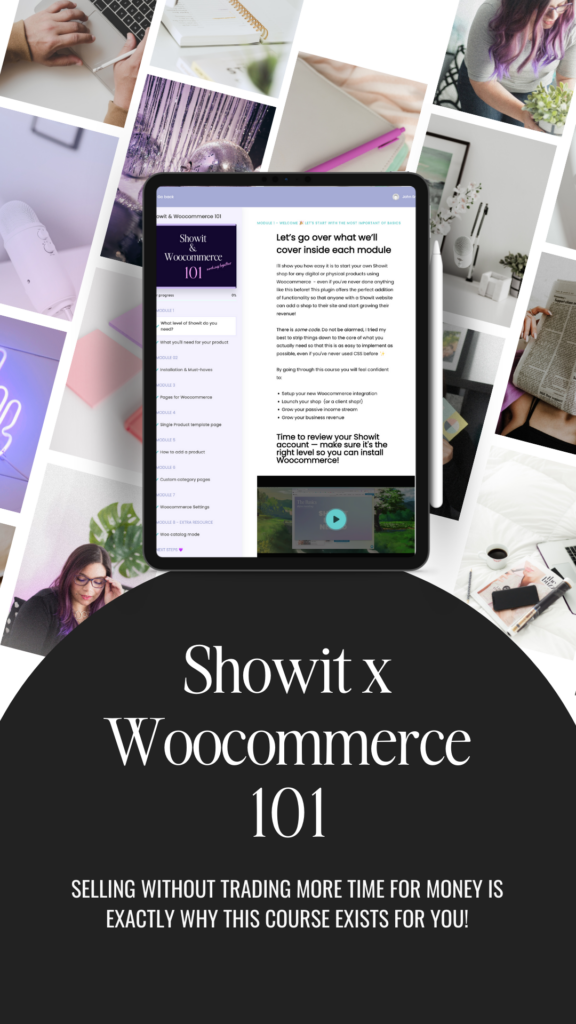
EXPAND YOUR PASSIVE REVENUE
Unlock The Power Of Showit And Woocommerce With This Easy-To-Follow Course!
Start earning serious passive income and enjoy unlimited growth potential. Get ready to take advantage of the automated integration. Showit x Woocommerce 101 will give you the tools and resources you need to launch your shop asap.
Ready to turn your website into a powerhouse lead generator even on a saturated market?
My free guide, "5 High Converting Website Tricks", gives you key strategies to create a website that showcases your brand, attracts your ideal clients, and is ready to convert them into paying customers.
I design strategy-led brands and Showit websites that confidently represent you.
I’m a designer with a magic touch for monetizing websites. I’m also a tea-lover, dog momma, Ravenclaw, INFP and 2w3 (for all you personality-test nerds like me).
I’ve also been called a Showit website expert (been with them since 2013), and a sucker for understanding customer journeys, brand psychology, and consumer and sales psychology. My clients have some pretty cool results after working together, things like doubled shop conversions, booked-out services in weeks, and increased monthly revenue, among other cheer-worthy celebrations.